
Creating an Account
- Use any browser to go to https://clevelandfurniturebank.org
- Once on the Cleveland Furniture Bank Site click Agencies from the top navigation and then click Get an Agency Account
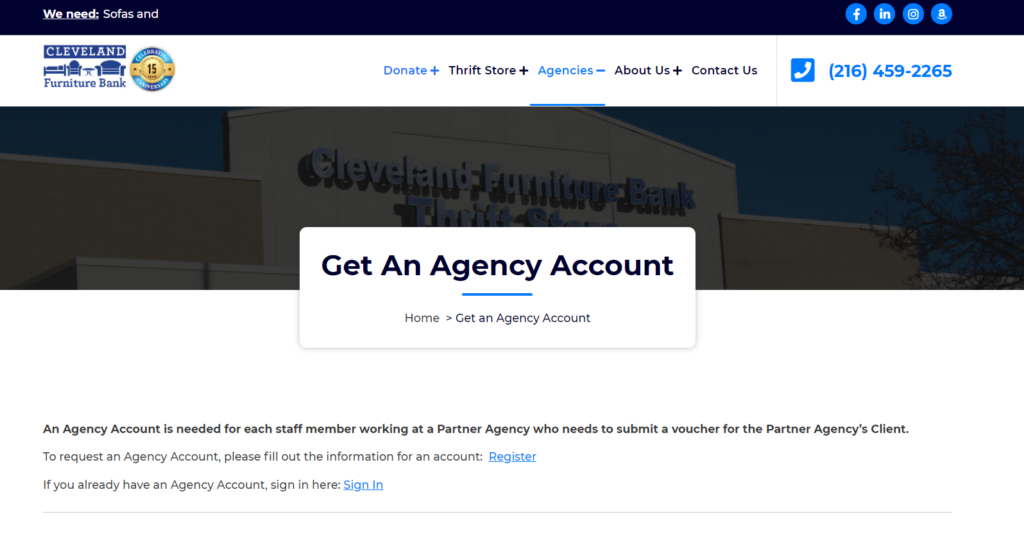
- Click Register on the following screen
- Fill out the form and click Register at the bottom.
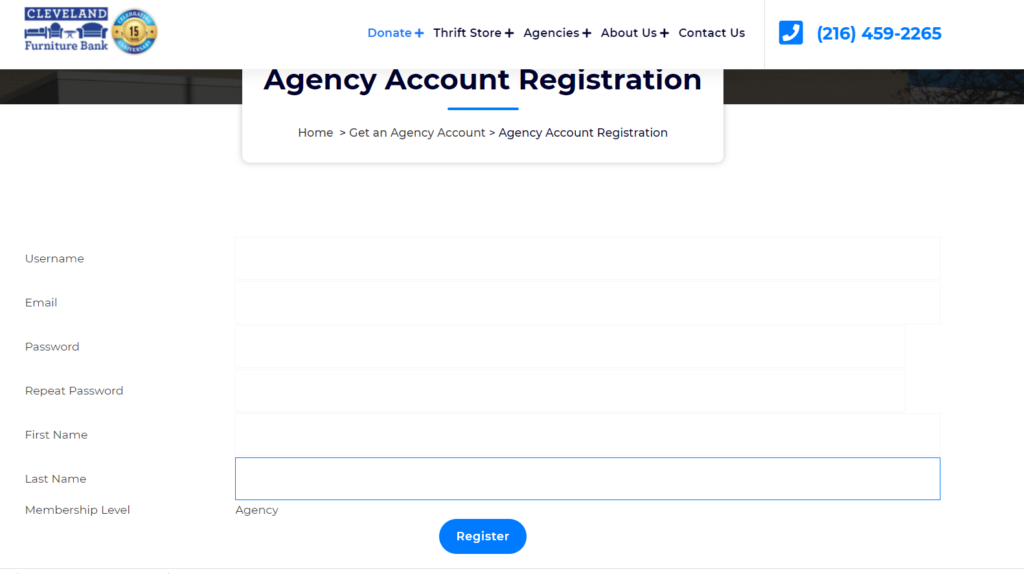
- You will receive an email within 24-48 hours confirming your account.